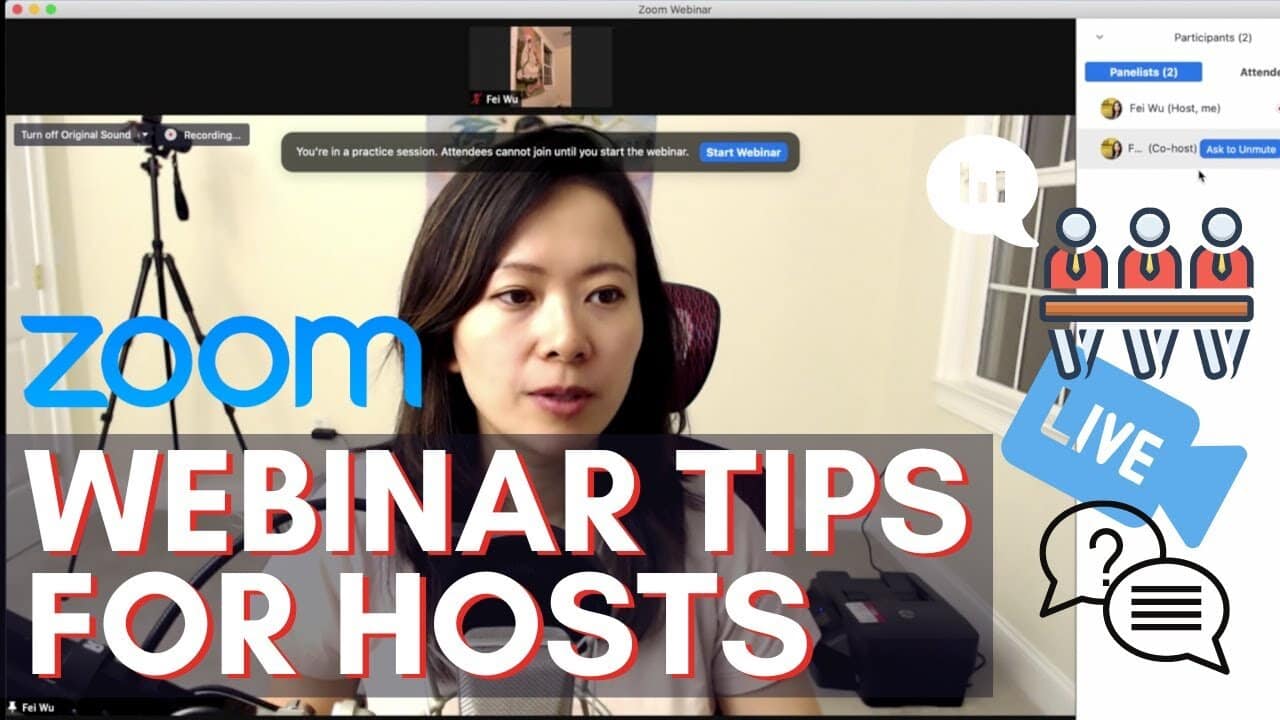
In this video, I break down 9 features and best practices every Zoom webinar host should know.
Zoom Webinar has some more advanced and (less familiar features) EVEN if you are already a pro at running regular Zoom meetings.
9 Zoom Webinar Tips: Main Points
- 00:00 Introduction
- 01:57 Giving someone co-host privilege
- 02:12 How to switch someone between being a panelist vs. attendee
- 03:20 Enable practice session and how it looks inside the webinar
- 03:50 View options for attendees! Host View vs Active Speaker View vs. Gallery View
- 05:45 Additional options under “More” inside Zoom Webinar
- 06:20 Q&A feature inside Webinar (Raise hand, ask a question, etc.)
- 08:00 Polling in webinar and best practices (create questions ahead of time!)
- 10:20 Livestream from within the webinar (info card – Restream livestream from Zoom)
- 11:00 How to enable custom livestreaming for Zoom webinars
You might also enjoy…

Written by
Fei WuFei Wu is the founder and CEO of Feisworld Media, a Massachusetts-based digital media company helping brands get discovered by people and by AI. An Adobe Global Ambassador and brand partner to ElevenLabs, Synthesia, and 50+ other tech and AI companies, she hosts the Feisworld Podcast (400+ episodes, 500K+ downloads — guests have included Seth Godin, Steve Wozniak, Chris Voss, and Arianna Huffington) and co-created the documentary Feisworld: Live Your Art on Amazon Prime. Fei writes for CNET, Lifehacker, and PCMag, and her work has been featured in Forbes, Harvard Business Review, and WIRED. She has been publishing on the internet since 2014 — long before AI discoverability had a name.
View all posts by Fei Wu→Stay updated
Weekly insights on content, AI, and digital media.
Keep Reading
Related Articles

Ecamm Review 2026: Dual Mode Changed How I Create Video (Here’s How)
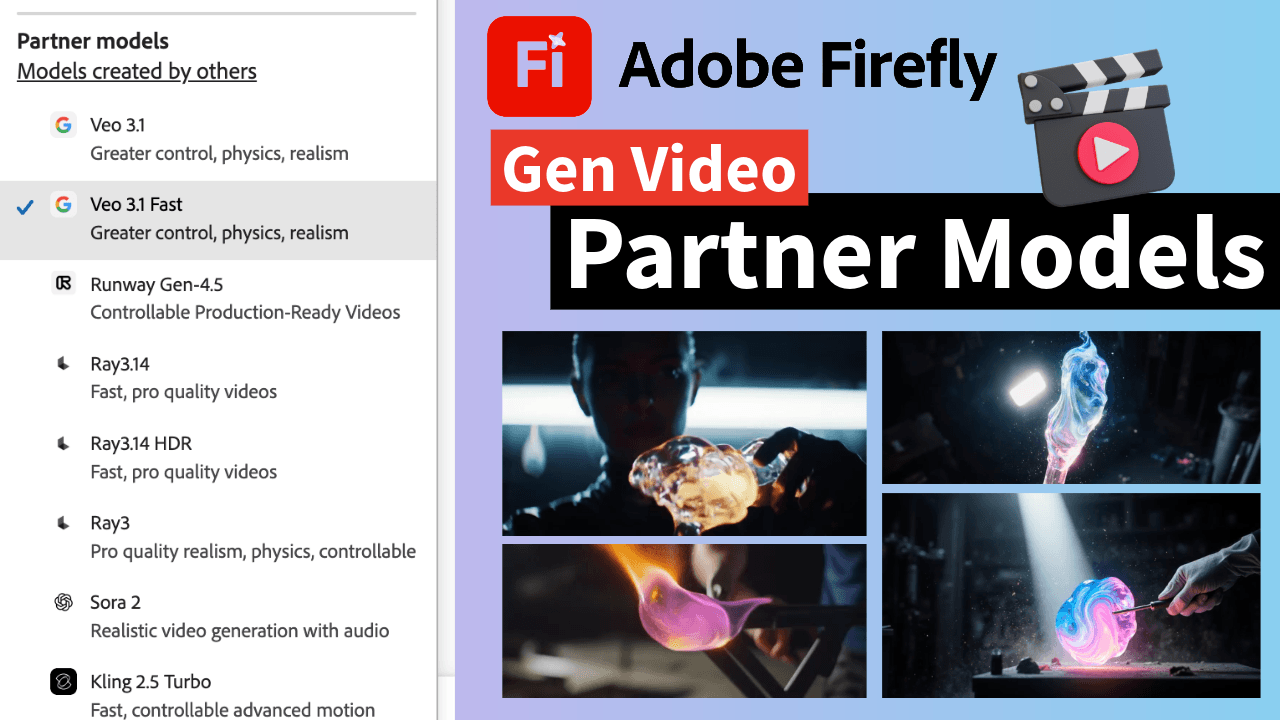
The Ultimate Guide to Adobe Firefly Video Generation: Choosing the Right Model for Your Project (2026)