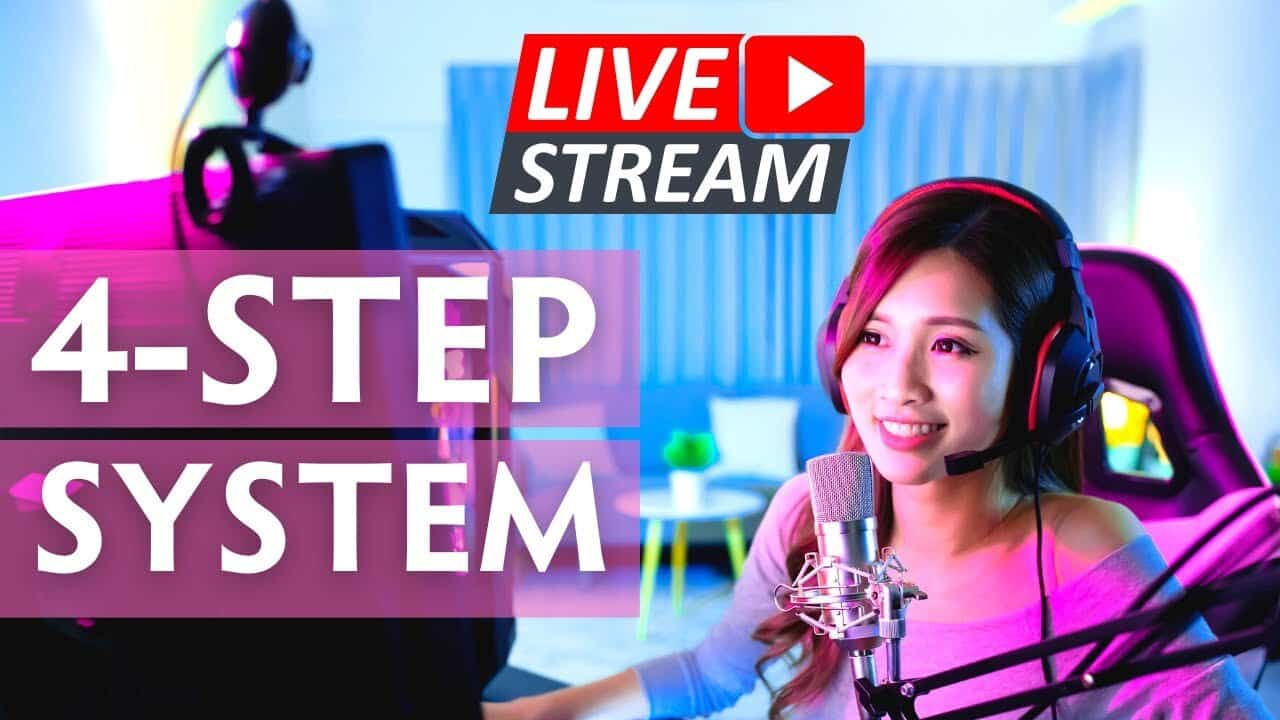
In this video, I’ll show you the ecosystem of setting up and going live including the use of Restream Studio, Canva for thumbnail, updates for your website (if you have one), and lastly how I go live. You’ll know just how easy it is to go live, so nothing should stop you from reaching a big and BETTER audience starting today. Let’s get started!
Show Notes:
- 00:00 introduction
- 01:20 Step 1. Design thumbnails using Canva
- 03:43 Step 2. Restream setup to get ready for go live
- 06:54 Step 3. Update your website for the livestream event
- 08:21 Step 4. Going live!
This video is sponsored by Restream. You can get started livestreaming for FREE (no credit card needed) and claim your $10 credit
Links and tools mentioned

Written by
Fei WuFei Wu is the founder and CEO of Feisworld Media, a Massachusetts-based digital media company helping brands get discovered by people and by AI. An Adobe Global Ambassador and brand partner to ElevenLabs, Synthesia, and 50+ other tech and AI companies, she hosts the Feisworld Podcast (400+ episodes, 500K+ downloads — guests have included Seth Godin, Steve Wozniak, Chris Voss, and Arianna Huffington) and co-created the documentary Feisworld: Live Your Art on Amazon Prime. Fei writes for CNET, Lifehacker, and PCMag, and her work has been featured in Forbes, Harvard Business Review, and WIRED. She has been publishing on the internet since 2014 — long before AI discoverability had a name.
View all posts by Fei Wu→Stay updated
Weekly insights on content, AI, and digital media.
Keep Reading
Related Articles

Ecamm Review 2026: Dual Mode Changed How I Create Video (Here’s How)
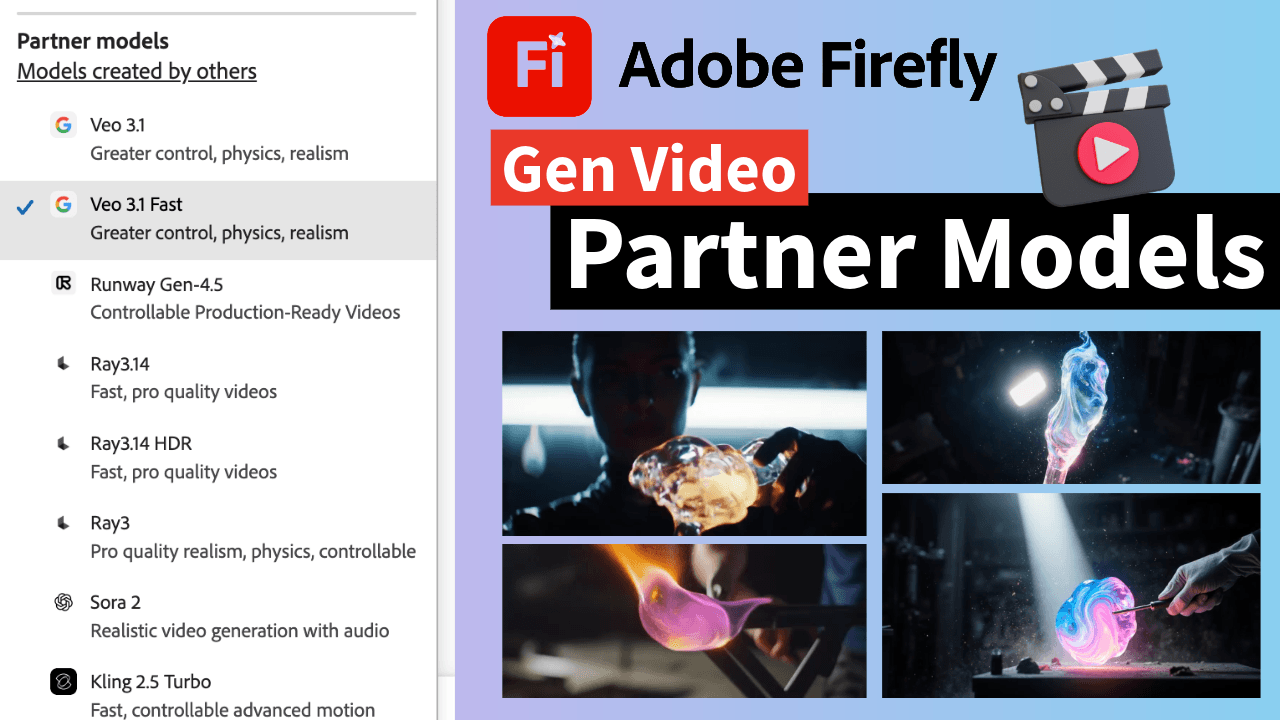
The Ultimate Guide to Adobe Firefly Video Generation: Choosing the Right Model for Your Project (2026)