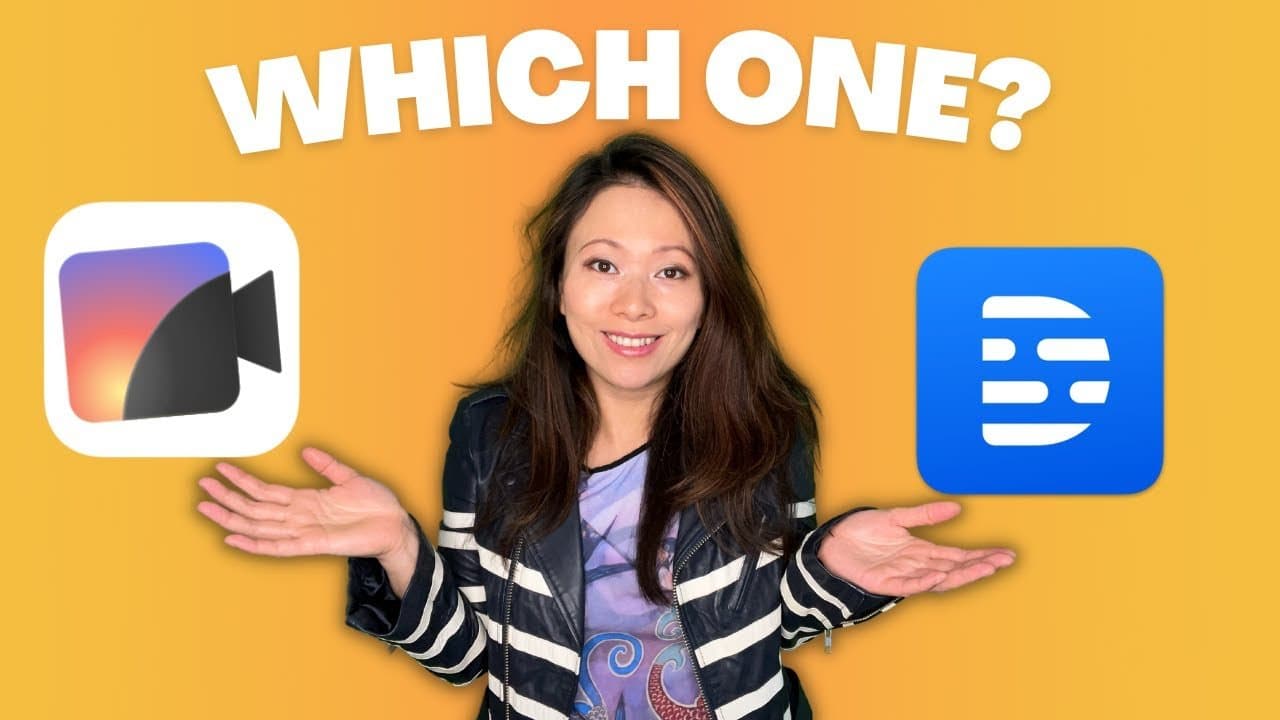
In this post we will compare Recut vs Descript, two tools help you significantly reduce your video editing time.

Recut is a fantastic tool for cutting out silence and the parts you don’t want, and it’s extremely fast! It works for videos and for podcast. I use Recut mostly for my YouTube videos. Read more about Recut here. Get $10 OFF using our code FEISWORLD.
Descript, in general, is a great tool for editing audios and videos, but because it has a lot of features – removing silence, ums and uhs, voice enhancement, it tends to take a lot longer to export the final file. Read more here.
Recut vs Descript: Which One Is for You?
Recut vs Descript: Conclusion
Recut is great when you want to automatically remove silences and pauses from your video and get a Final Cut Pro, an Adobe Premiere or Davinci Resolve project. If you are a video editor this is an essential tool.
If you are a podcaster doing editorial control, Descript might be a better resource than Recut, as you can directly edit your audio by editing text. You can also improve the voice quality, remove segments, etc.
While I love both tools, I’d say Recut is more for video editors and Descript is more for podcasters or content editors.
Which one do you use and why? Let me know in the comments!

Written by
Fei WuFei Wu is the founder and CEO of Feisworld Media, a Massachusetts-based digital media company helping brands get discovered by people and by AI. An Adobe Global Ambassador and brand partner to ElevenLabs, Synthesia, and 50+ other tech and AI companies, she hosts the Feisworld Podcast (400+ episodes, 500K+ downloads — guests have included Seth Godin, Steve Wozniak, Chris Voss, and Arianna Huffington) and co-created the documentary Feisworld: Live Your Art on Amazon Prime. Fei writes for CNET, Lifehacker, and PCMag, and her work has been featured in Forbes, Harvard Business Review, and WIRED. She has been publishing on the internet since 2014 — long before AI discoverability had a name.
View all posts by Fei Wu→Stay updated
Weekly insights on content, AI, and digital media.
Keep Reading
Related Articles

Ecamm Review 2026: Dual Mode Changed How I Create Video (Here’s How)
The Ultimate Guide to Adobe Firefly Video Generation: Choosing the Right Model for Your Project (2026)