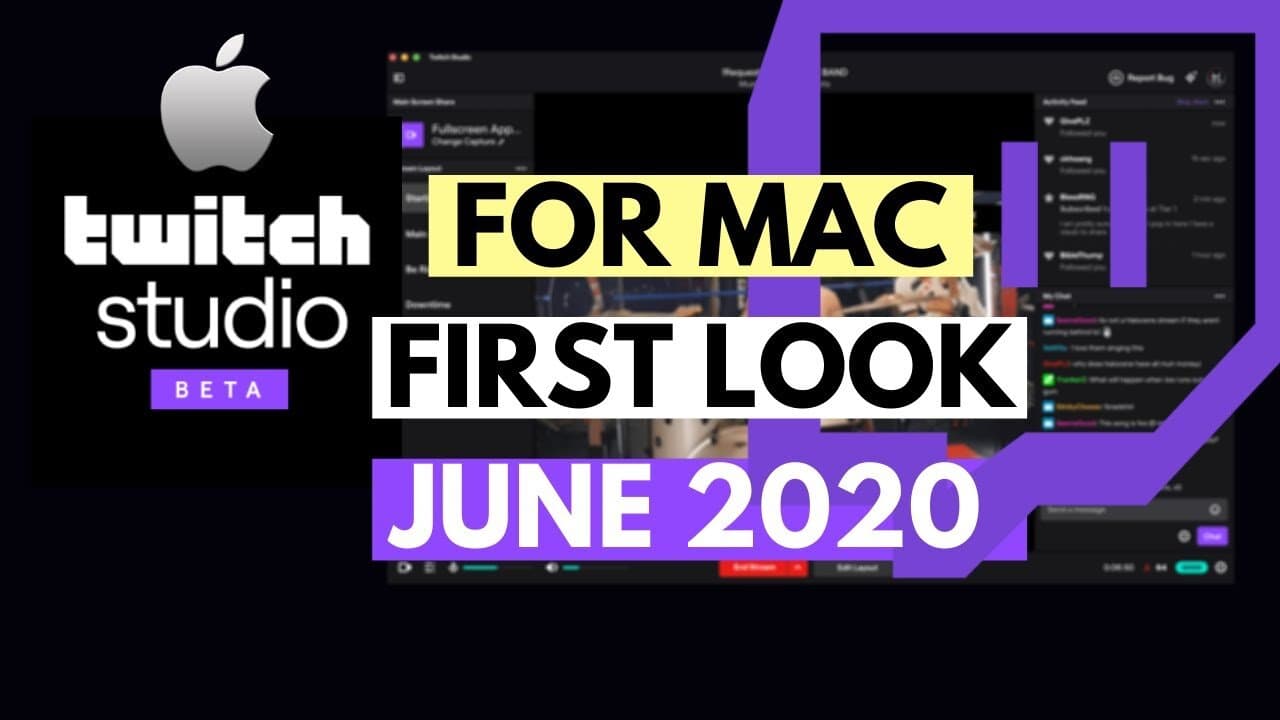
This is the most comprehensive, the only detailed, step-by-step tutorial you’ll find on the internet to talk about the brand new Twitch Studio Beta for Mac!
On June 17th, 2020 Twitch announced the news all Mac streams have been waiting for: Twitch Studio launches on Mac in beta: Twitch’s streaming software finally comes to the other half: https://www.theverge.com/2020/6/17/21294531/twitch-studio-mac-beta-streaming
This article along with a few others briefly described the launch but without further details.
IN THIS VIDEO, I break down the entire process from:
- 0:40: Download
- 1:43. Initial setup including how to optimize your stream
- 2:30. Basic streaming (Chatting) setup
- 7:30: Example of going live with the basic setup
- 9:12: How to create your own unique and custom layout using Layout and Layers – talking you through every type of layer you can add to your stream window
I walk you through every type of layer, how to set it up and modify settings:
- Main screen
- Screenshare
- Images
- Text
- Media (video, etc.)
- Solid Color
- Color Gradient
- Webcam
- Twitch Alert
- Embed Webpage

Written by
Fei WuFei Wu is the founder and CEO of Feisworld Media, a Massachusetts-based digital media company helping brands get discovered by people and by AI. An Adobe Global Ambassador and brand partner to ElevenLabs, Synthesia, and 50+ other tech and AI companies, she hosts the Feisworld Podcast (400+ episodes, 500K+ downloads — guests have included Seth Godin, Steve Wozniak, Chris Voss, and Arianna Huffington) and co-created the documentary Feisworld: Live Your Art on Amazon Prime. Fei writes for CNET, Lifehacker, and PCMag, and her work has been featured in Forbes, Harvard Business Review, and WIRED. She has been publishing on the internet since 2014 — long before AI discoverability had a name.
View all posts by Fei Wu→Stay updated
Weekly insights on content, AI, and digital media.
Keep Reading
Related Articles

Ecamm Review 2026: Dual Mode Changed How I Create Video (Here’s How)
The Ultimate Guide to Adobe Firefly Video Generation: Choosing the Right Model for Your Project (2026)