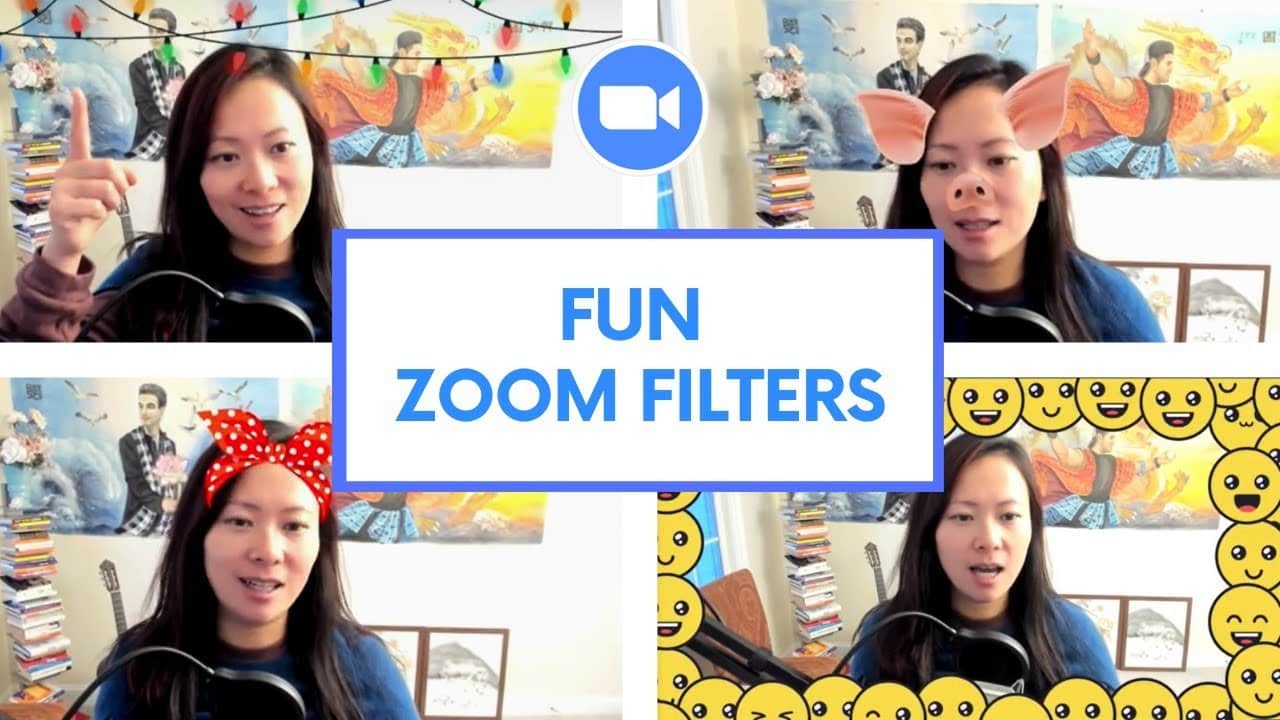
Video filters are a simple way to connect with people over zoom, have a little fun and get us to relax. Today I’ll show you how to use them and what filters there are 😃
Video filters feature requirements (see below, or visit the latest info here)
Windows
- Zoom desktop client, version 5.2.0 (42619.0804) or higher
- 64-bit operating system
Supported processors:
- Intel: 4th generation or higher i3, i5, i7, i9 processor
- AMD: Ryzen 3, 5, 7, 9 processor
macOS
- Zoom desktop client, version 5.2.0 (42634.0805) or higher
- macOS 10.13 or higher
Supported processors:
- Intel: 4th generation or higher i3, i5, i7, i9 processor
- AMD: Ryzen 3, 5, 7, 9 processor
iOS
- Zoom mobile app, 5.5.0 or higher
- iOS version 11.0 or higher
- iPad 2017 (A9) or higher
- iPhone 8 (A9) or higher
Android
- Zoom mobile app, 5.8.0 or higher
- See Android system requirements for virtual background
Free Webinar: How to YouTube (The Complete Guide)

Written by
Fei WuFei Wu is the founder and CEO of Feisworld Media, a Massachusetts-based digital media company helping brands get discovered by people and by AI. An Adobe Global Ambassador and brand partner to ElevenLabs, Synthesia, and 50+ other tech and AI companies, she hosts the Feisworld Podcast (400+ episodes, 500K+ downloads — guests have included Seth Godin, Steve Wozniak, Chris Voss, and Arianna Huffington) and co-created the documentary Feisworld: Live Your Art on Amazon Prime. Fei writes for CNET, Lifehacker, and PCMag, and her work has been featured in Forbes, Harvard Business Review, and WIRED. She has been publishing on the internet since 2014 — long before AI discoverability had a name.
View all posts by Fei Wu→Stay updated
Weekly insights on content, AI, and digital media.
Keep Reading
Related Articles

Ecamm Review 2026: Dual Mode Changed How I Create Video (Here’s How)

The Ultimate Guide to Adobe Firefly Video Generation: Choosing the Right Model for Your Project (2026)